THE PRACTICAL ANSWER
Keep the plow pass and the salt return on the same service record when both belong to the same assigned visit. Record when each crew worked, what it finished and what remains. At closeout, match each charge to the agreement and to the crew’s evidence.
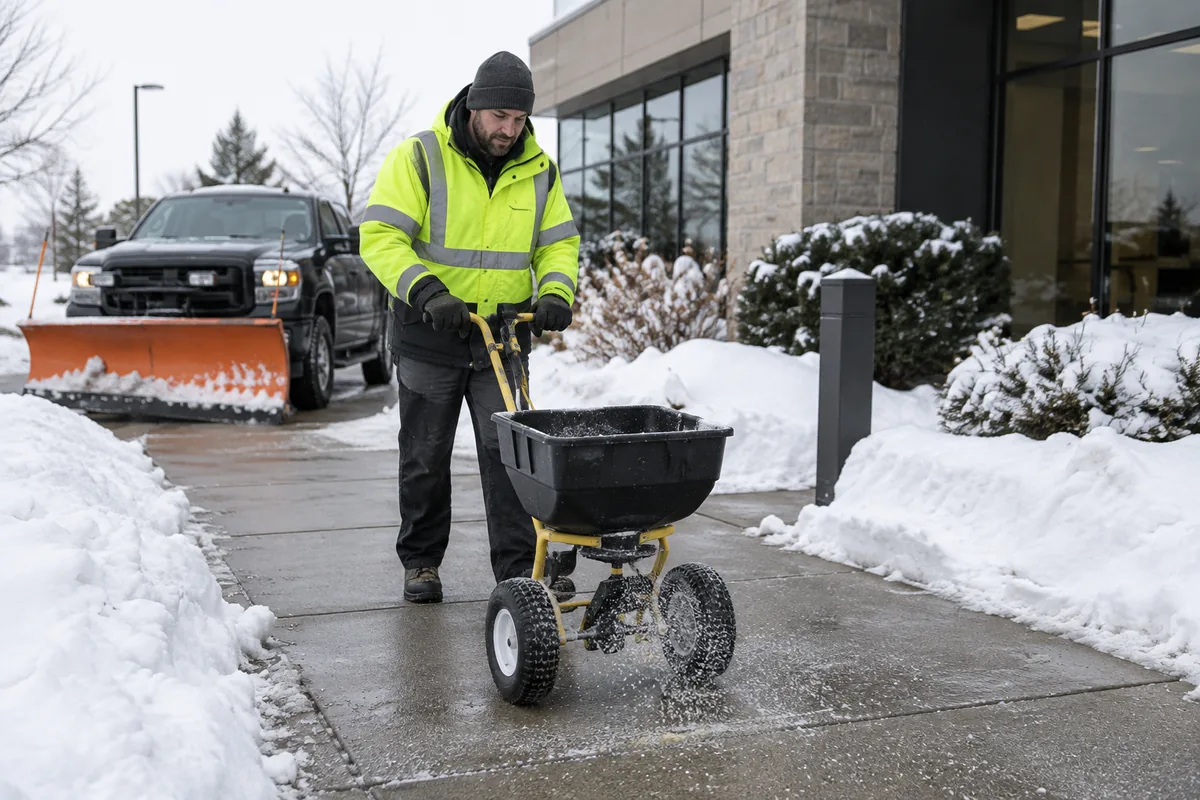
“Your truck was here twice. Why are there two charges?” At a fictional property called Maple Court, the answer fits on one invoice. The agreement calls for two services on the parking lot. The crew finished them at different times. Here is the record the office can use when the property manager calls.
Start with the two services the customer approved
Maple Court’s sample agreement prices plowing at $140 and a salt application at $45 per completed visit. The site instructions tell the crew to clear the east entrance first and keep the loading bay accessible. Both services require a photo. These are fictional rates for this example.
Dispatch assigns plow and salt together. The storm plan tells the crew where to go. The office waits for the field record to see what actually happened there.
Keep the salt return connected to the first pass
Questions about the field log? Email Gravel at doit@ongravel.com.
Want to record your crew’s snow visits in Gravel? Get started
| Time | Crew record | Office view |
|---|---|---|
| 4:10–4:35 a.m. | Plowed the east entrance and parking lot. Saved a photo of the cleared lot. A delivery truck occupied the salt application area. | Plow complete, salt pending. Visit stays open with the reason for the return. |
| 6:05–6:15 a.m. | Returned after the truck left. Applied 80 lb of salt to the assigned area and saved the service photo. | Salt complete. Both assigned services are now documented. |
The first crew records partial completion before leaving. On return, the crew records only the outstanding salt work. The two capture times show the gap between passes, so the office can distinguish time on site from time spent elsewhere.
Show what each invoice line paid for
| Service | Evidence | Amount |
|---|---|---|
| Plow parking lot | 4:35 a.m. completion record and lot photo | $140 |
| Salt parking lot | 6:15 a.m. completion record, 80 lb reported and service photo | $45 |
| Subtotal before tax | One completed visit, two contracted services | $185 |
The agreement prices salt by application. The 80 lb entry documents material use and adds no separate per-pound charge here. A second truck arrival adds no fee of its own. In Gravel, the partial capture leaves the visit open. Completing the outstanding service closes it and creates the invoice for eligible charges.
The office can tell the manager, “The $140 line is the plow pass we finished at 4:35. The $45 line is the salt application we finished at 6:15 after the loading area opened. Here are the records for both.” If the crew never made the salt return, the record should still show that work outstanding.
Try it with a property you already service
Take one agreement and its last storm record. Can someone who wasn’t on shift identify the property, service terms, work times, completed tasks, photos and any return reason? Then ask them to explain each billed line. If the contract uses per-storm or seasonal pricing, check those terms before treating a later pass as another charge. The Gravel snow tour shows the storm workspace with demonstration records.
Sources & further reading
These references support the workflow principles discussed above. The checklists and worked examples are original Gravel guides.
- Snow & Ice Management Association guidelines for purchasing snow and ice services ↗
- Gravel snow service workflow and launch pricing ↗
Published by Gravel, a rental business software provider. Examples are illustrative, and operators set their own rental rates and terms.